
Call us now :08045811797
 Send Inquiry
 Send Inquiry
Insta Controller Industrial RTD
Price 150000 INR/ Unit
MOQ : 1 Unit
Insta Controller Industrial RTD Specification
- Application
- Video conferencing and meetings in professional or educational settings
- Equipment Type
- Controller
- Camera
- FHD
- Support
- USB
- Function
- Allows users to control PTZ cameras via an RS-232 serial interface
- Use
- Used in corporate meetings or webinars to ensure the presenter is always in view without manual intervention
Insta Controller Industrial RTD Trade Information
- Minimum Order Quantity
- 1 Unit
- Payment Terms
- Cash in Advance (CID)
- Supply Ability
- 50 Units Per Month
- Delivery Time
- 2-10 Days
- Main Domestic Market
- All India
About Insta Controller Industrial RTD
The ARSI 31074 Instacontroller is a high-quality controller designed for use in corporate meetings or webinars to ensure the presenter is always in view without manual intervention. It is an essential tool for video conferencing and meetings in professional or educational settings. The FHD camera ensures clear and crisp video quality, while the USB support enables seamless connectivity with various devices. The Instacontroller is also equipped with a PTZ camera control feature, which allows users to control PTZ cameras via an RS-232 serial interface. With its user-friendly interface, this controller makes it easy for users to operate the camera and ensure that the presenter remains in focus at all times.
FAQs of ARSI 31074 Instacontroller:
Q: What is the ARSI 31074 Instacontroller used for?
A: The ARSI 31074 Instacontroller is used for video conferencing and meetings in professional or educational settings, where the presenter needs to remain in focus at all times.Q: What type of camera does the Instacontroller come with?
A: The Instacontroller comes with an FHD camera that provides clear and crisp video quality.Q: What devices can the Instacontroller be connected to?
A: The Instacontroller supports USB connectivity, enabling seamless connectivity with various devices.Q: What is the PTZ camera control feature?
A: The PTZ camera control feature allows users to control PTZ cameras via an RS-232 serial interface.Q: Is the Instacontroller easy to operate?
A: Yes, the Instacontroller has a user-friendly interface that makes it easy for users to operate the camera and ensure that the presenter remains in focus at all times.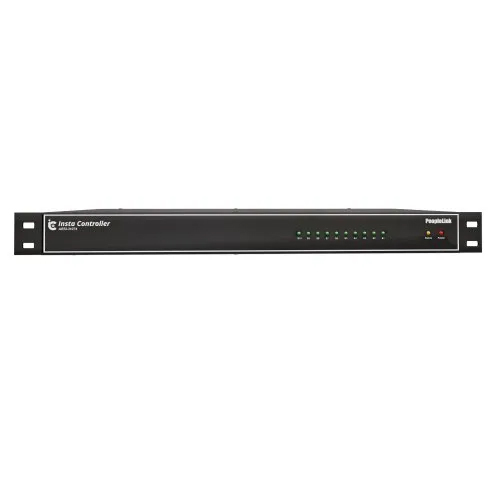
Tell us about your requirement

Price:
Quantity
Select Unit
- 50
- 100
- 200
- 250
- 500
- 1000+
Additional detail
Mobile number
Email

More Products in Conference Camera Category
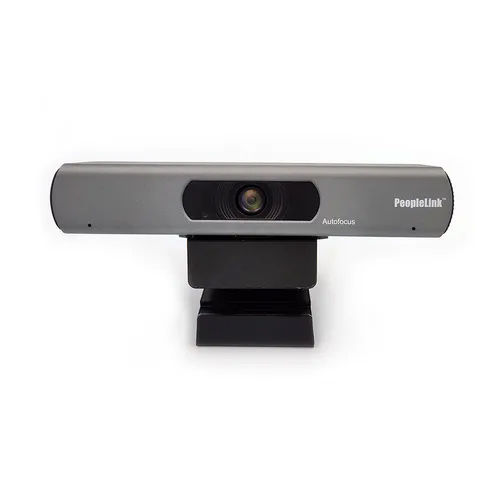
ePTZ 4K-84 Auto Frame Camera
Minimum Order Quantity : 1 Unit
Application : Video conferencing and meetings in professional or educational settings
Support : USB
Function : Highquality, wideangle lens for fullroom video coverage
Equipment Type : Conferencing camera
Use : Suitable for telemedicine, corporate meetings, remote learning, and other virtual events
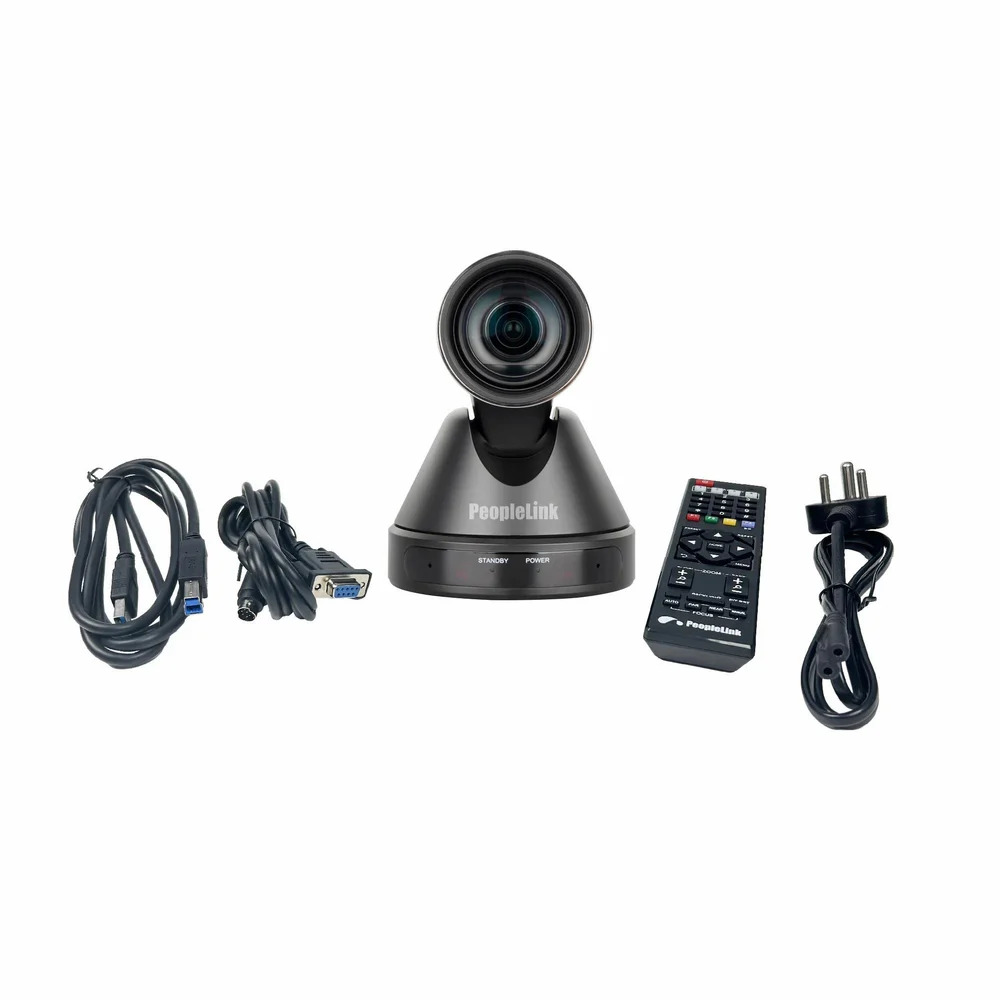
Student Tracking 4K PTZ Video Conference Camera Webcam for Classrooms
Minimum Order Quantity : 10 Pieces
Application : Classroom video conferencing
Support : Multiple platforms, USB 3.0
Function : Autotracking, PTZ control
Equipment Type : PTZ video conference camera
Use : Student tracking and teaching
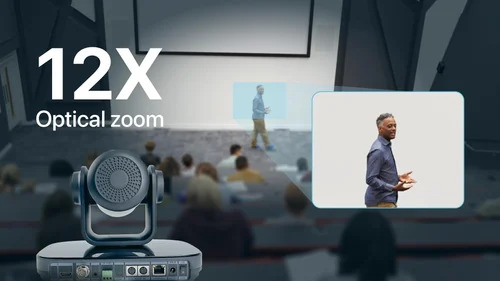
PeopleLink Elite 4K 12X Camera
Minimum Order Quantity : 1 Piece
Application : Video Conferencing, Online Meetings
Support : YUY2 / H.264 / MJPEG
Function : Live video capture in 4K
Equipment Type : 4K PTZ Conference Camera
Use : Professional video communication
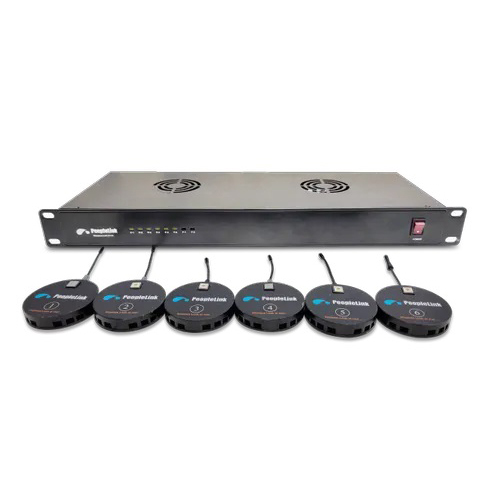
Controller For PTZ Cameras
Minimum Order Quantity : 1 Unit
Application : Video conferencing and meetings in professional or educational settings
Support : USB
Function : Allows users to control PTZ cameras via an RS232 serial interface
Equipment Type : Controller
Use : Used in corporate meetings or webinars to ensure the presenter is always in view without manual intervention

 Send Inquiry
Our Products
- Conference Camera
- Video Conferencing System
- Audio Devices
- Video Conferencing Endpoints
- Conference Speaker Phone
- Digital Podium
- Ptz Zoom Camera
- Wireless Speaker
- Interactive Flat Panel
- Interactive Displays
- Collaboration System
- Computer Web Camera
- Interactive Whiteboard Solution
- Insta Controller
- Communication Server
- Soundbar System
- Led Video Wall
- Audio Signal Processor
- Digital Board
- Audio Video Conferencing Solution
- Web Camera
- Smart Classroom Solution
- Room Control Automation
- Control Systems
- Ptz Camera
- Computer Accessories


Q3-A3, 10th Floor Cyber Towers, Hitech City Rd, Patrika Nagar, Hitec City,Hyderabad - 500081, Telangana, India

Ms Joshna
(Senior Associate Inside Sales)
Mobile :08045811797
 Send Inquiry
 Send SMS
 Call Me Free
Developed and Managed by Infocom Network Private Limited.


